


Desk Signals That Switch On Your Focus

Today, we dive into designing environmental cues at your desk to trigger focus, translating psychology into practical, tangible signals that help your mind shift gears. Expect clear steps, relatable stories, and small experiments you can try within minutes, building reliable associations that guide attention, reduce friction, and turn your workspace into a welcoming launchpad for deep work, creative breakthroughs, and calm productivity, even on chaotic days when motivation feels distant and distractions keep knocking.

Why Cues Work: The Brain’s Shortcut to Attention

Environmental cues act like mental bookmarks, reminding your brain where it left off and what matters next. Through conditioning, context-dependent memory, and habit loops, your senses connect specific sights, sounds, and textures with focused work. By consistently pairing signals with meaningful tasks and satisfying micro-rewards, you build swift transitions from intention to action, easing the painful startup phase, and making concentrated efforts feel natural rather than forced or fragile.

Layout that Guides Your Eyes and Hands

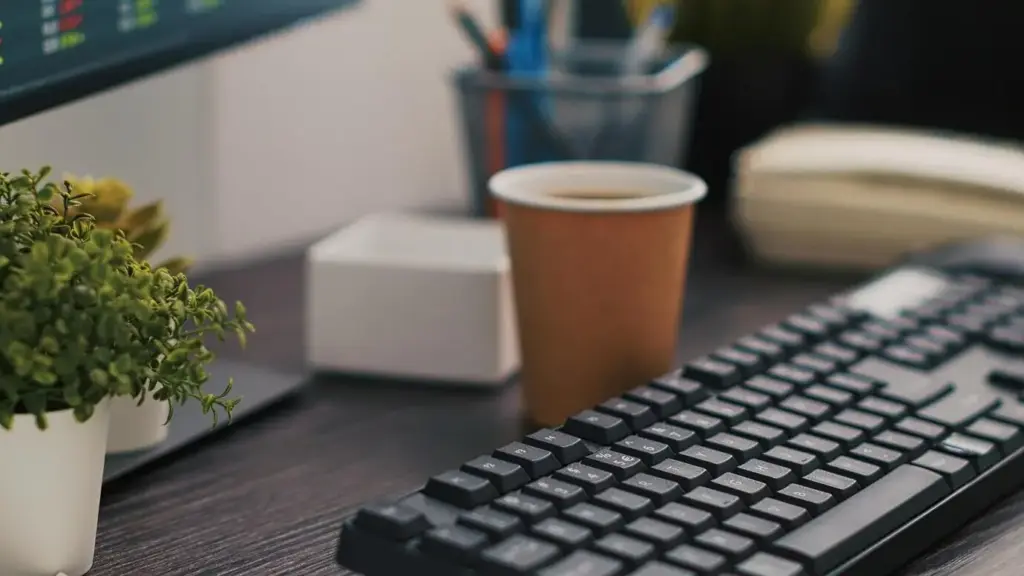
Strategic placement matters more than new gear. Arrange your desk so the first glance meets one, and only one, priority. Keep must-use tools within effortless reach, reduce conflicting triggers, and designate a clear single-task stage. Thoughtful positioning removes decision bottlenecks, preserves attention for thinking, and transforms a crowded surface into a directional map that moves your mind forward with minimal hesitation and graceful momentum.

Create a Single-Task Stage

Reserve a clean rectangle in front of you for just one active task. Use a document stand or tablet holder to elevate materials, cueing an upright, engaged posture. When the stage is occupied, competing items wait elsewhere. Treat this space like a tiny theater where the current scene receives full light, and everything else awaits behind the curtain, reducing scattered glances and mental tab-switching.

Hot, Warm, Cold Zones

Map your desk by reach. Hot zone: keyboard, pen, current notes, timer. Warm zone: reference book, sticky flags, coaster. Cold zone: infrequent tools, stored in drawers or a side tray. This physical hierarchy becomes a behavioral cue, ensuring the important work stands closest, temptations drift farther away, and your hands naturally move toward meaningful progress without extra decisions or energy-draining negotiation.

Light, Color, and Visual Anchors

Light temperature, color accents, and carefully chosen anchors can nudge your brain into the right cognitive lane. Combine brighter, cooler light for analytical sessions with warmer light for conceptual drafting. Use restrained color coding to direct attention, not overwhelm it. Keep lines of sight free from distracting clutter, allowing your focal point—document, screen, or sketch—to feel inviting, clear, and energetically aligned with the task’s demands.

Switchable Lighting for Work Modes

Set two lighting presets. For deep analysis, use bright, cool light and a gentle bias light behind the monitor to reduce eye strain. For writing or ideation, switch to warmer tones that relax vigilance without dulling engagement. The act of toggling lights becomes a reliable signal: now we parse details, now we sculpt ideas, and each mode begins faster with fewer internal negotiations.

Color Codes that Nudge Action

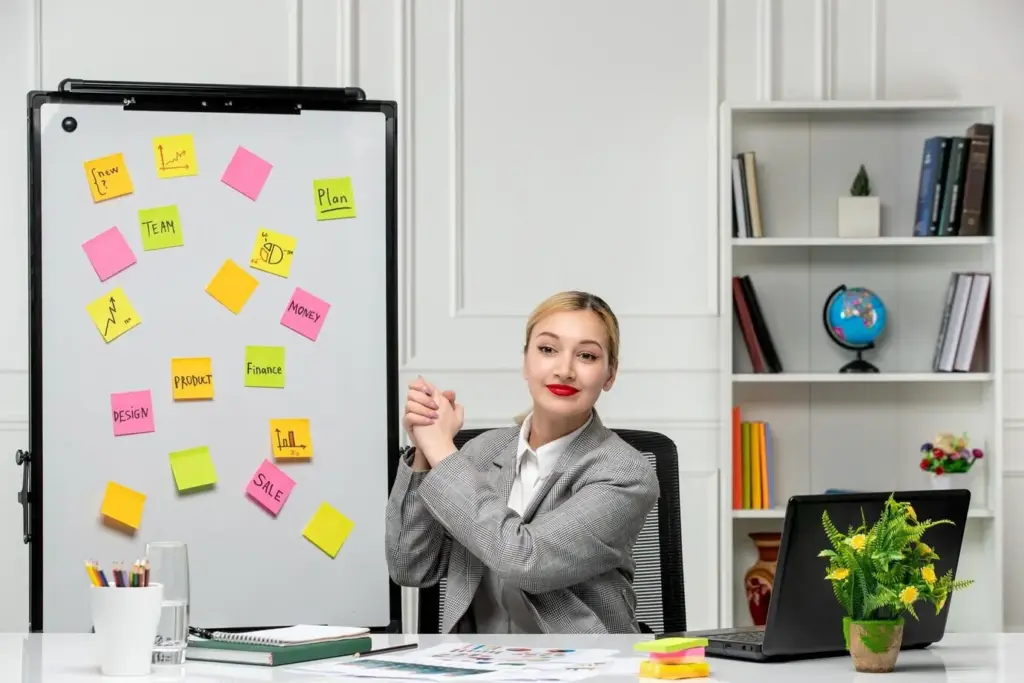
Assign colors to actions, not to feelings. For example, blue for reading inputs, green for drafting outputs, and orange for rapid reviews. Color your sticky notes, digital tags, and timer face accordingly. When your eyes land on a particular hue, the next step is pre-decided. Keep the palette minimal to avoid noise, letting each color act as a crisp arrow toward focused execution.

Sightlines that Eliminate Distractions

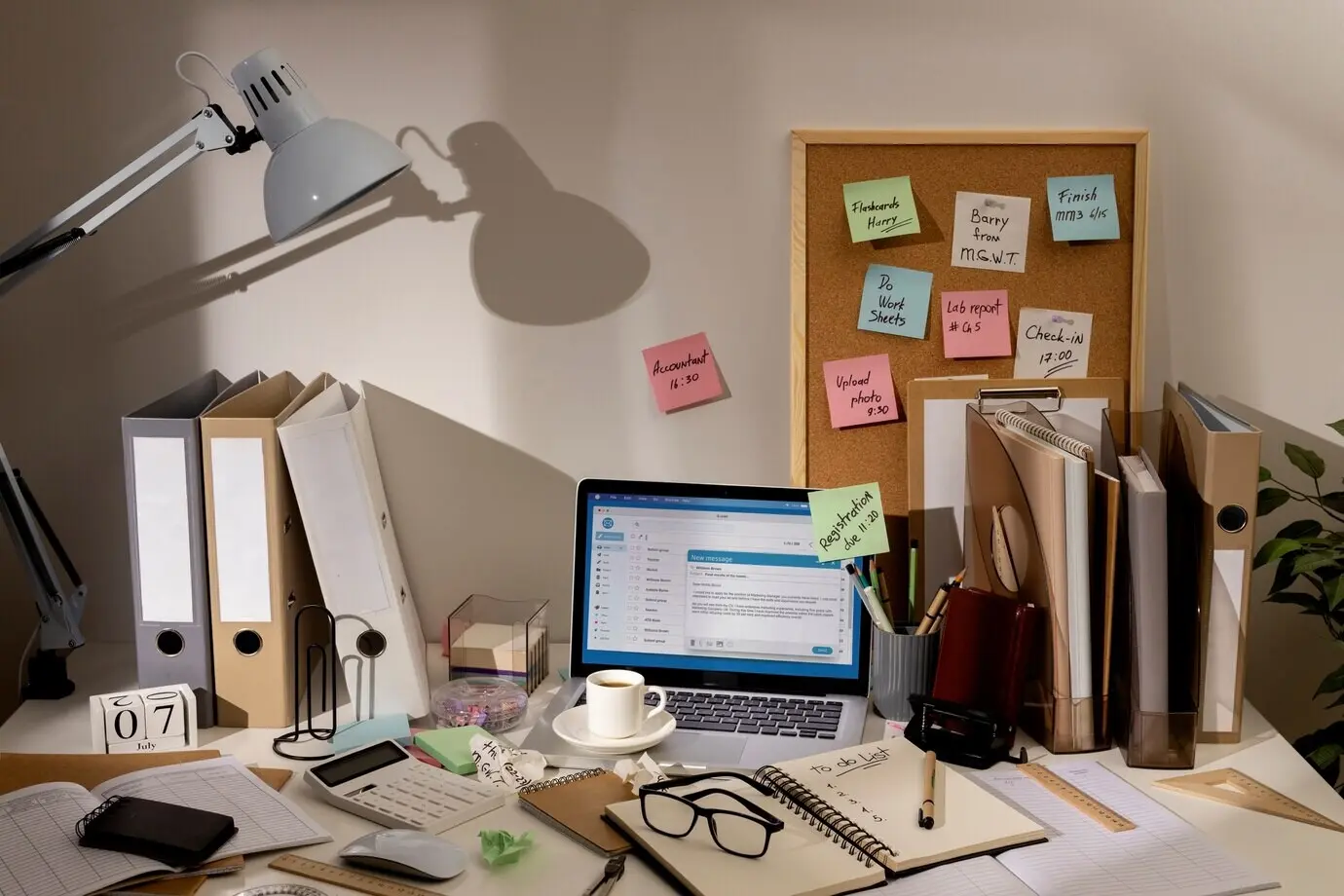
Decide what your eyes meet at the top of each session. If your monitor blocks a busy shelf, distractions vanish. If a neutral wall sits behind your screen, your thoughts settle more quickly. Remove novelty items from direct view during work windows, then reintroduce them after. Controlling sightlines is like controlling headlines for your mind, guiding what gets attention and when it deserves it.

Soundscapes that Signal Start

Touch, Temperature, and Scent

Tactile and olfactory cues ground attention in the present. A smooth wooden wrist rest, a cool metal pen, or a soft fabric coaster can anchor your hands in calm, purposeful motion. Subtle temperature shifts and carefully paired scents leverage powerful associations. When reserved for focus sessions, these sensations become unmistakable markers that it is time to begin, continue, and complete meaningful work with poise.

Texture as a Grounding Signal

Select two textures you love and keep them exclusive to work: perhaps a linen notebook and a polished pen. Before starting, feel each deliberately. This short tactile pause acts like a mindfulness bell, steadying breath and posture. Because textures are stable and repeatable, they become dependable anchors, returning your wandering attention to the concrete here-and-now without judgment or complicated mental gymnastics.
Micro-Climate for Mental Clarity

Tune your desk’s climate. A small fan for airflow, a warm lamp for comfort, and a hydration marker on your bottle can stabilize energy. Slight coolness often sharpens alertness, while stifling warmth fogs thinking. Make adjustments part of your opening ritual. When your body feels cared for, your mind trusts the environment, loosens defensive scanning, and focuses more generously on meaningful output.

Aromatic Associations that Prime Focus

Choose one scent—peppermint, rosemary, or unscented if sensitive—and reserve it exclusively for focused sessions. Diffuse lightly or use a scented card. The exclusivity builds a clean association: this smell equals serious work. Avoid using it during entertainment, keeping the cue crisp. Over days, a faint hint becomes enough to nudge attention forward, making starts gentler and deep stretches surprisingly sustainable.
Digital Boundaries that Back You Up

Your software environment should echo your physical cues. Automate notifications, simplify visuals, and design screens that reward single-tasking. Make the focused state easier than the distracted one by crafting one-click scenes that hide clutter, surface just-in-time tools, and preserve momentum. Then review data gently, iterate weekly, and share experiments with peers to strengthen commitment, gather ideas, and stay curious about what truly works for you.
Zamomaxupetuzo
Privacy Overview

This website uses cookies so that we can provide you with the best user experience possible. Cookie information is stored in your browser and performs functions such as recognising you when you return to our website and helping our team to understand which sections of the website you find most interesting and useful.